
SeoSpidie
See your site the way search engines do
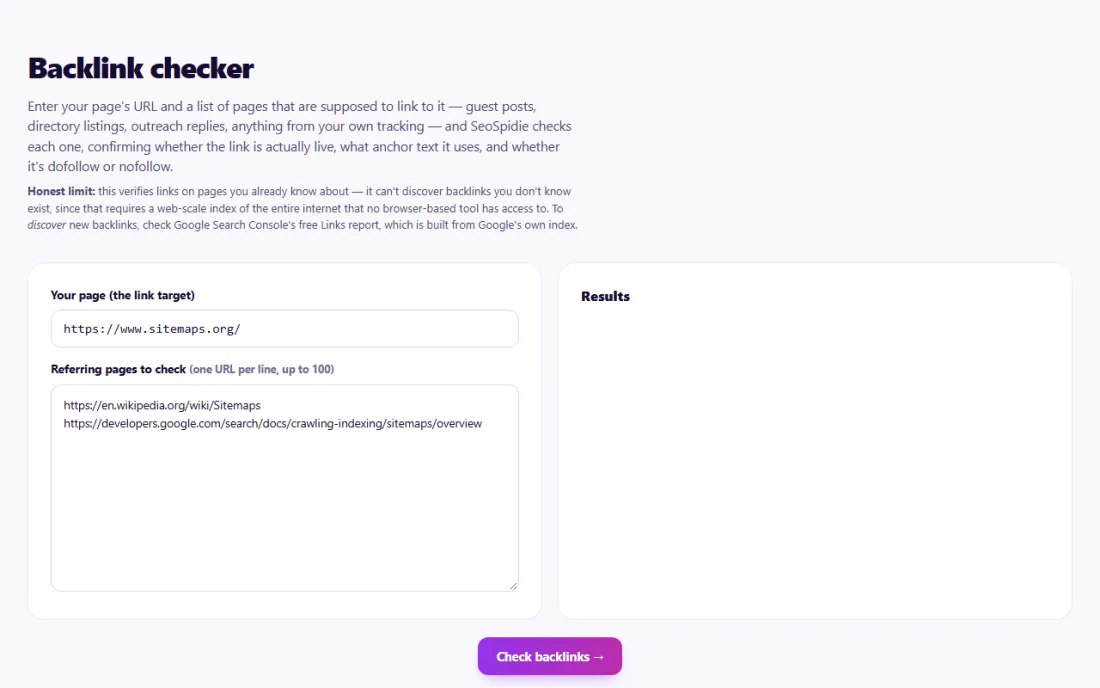
Enter your page's URL and a list of pages that are supposed to link to it — guest posts, directory listings, outreach replies, anything from your own tracking — and SeoSpidie checks each one, confirming whether the link is actually live, what anchor text it uses, and whether it's dofollow or nofollow.
Honest limit: this verifies links on pages you already know about — it can't discover backlinks you don't know exist, since that requires a web-scale index of the entire internet that no browser-based tool has access to. To discover new backlinks, check Google Search Console's free Links report, which is built from Google's own index.
A backlink is a link on another website that points to yours. Search engines treat links from relevant, trustworthy sites as signs that your content is useful, which makes backlinks one of the most important factors in how well pages rank. They also bring visitors directly.
Not every link carries the same weight. A link from a respected site in your field matters more than one from an unrelated directory. Links marked rel="nofollow", "sponsored" or "ugc" tell search engines not to treat them as a full endorsement. The anchor text — the clickable words — helps describe what your page is about.
Links you earn are not permanent. Pages get edited, sites are redesigned and guest posts are removed, so links disappear without warning. If you pay for placements, run outreach or list your business in directories, verifying that the links are actually live is the only way to know what you really have.
Links you earned through guest posts, partnerships or outreach can quietly disappear — the page is edited, the link becomes nofollow, or the anchor text changes. Checking them regularly tells you whether the links you count on are still live and still passing value.
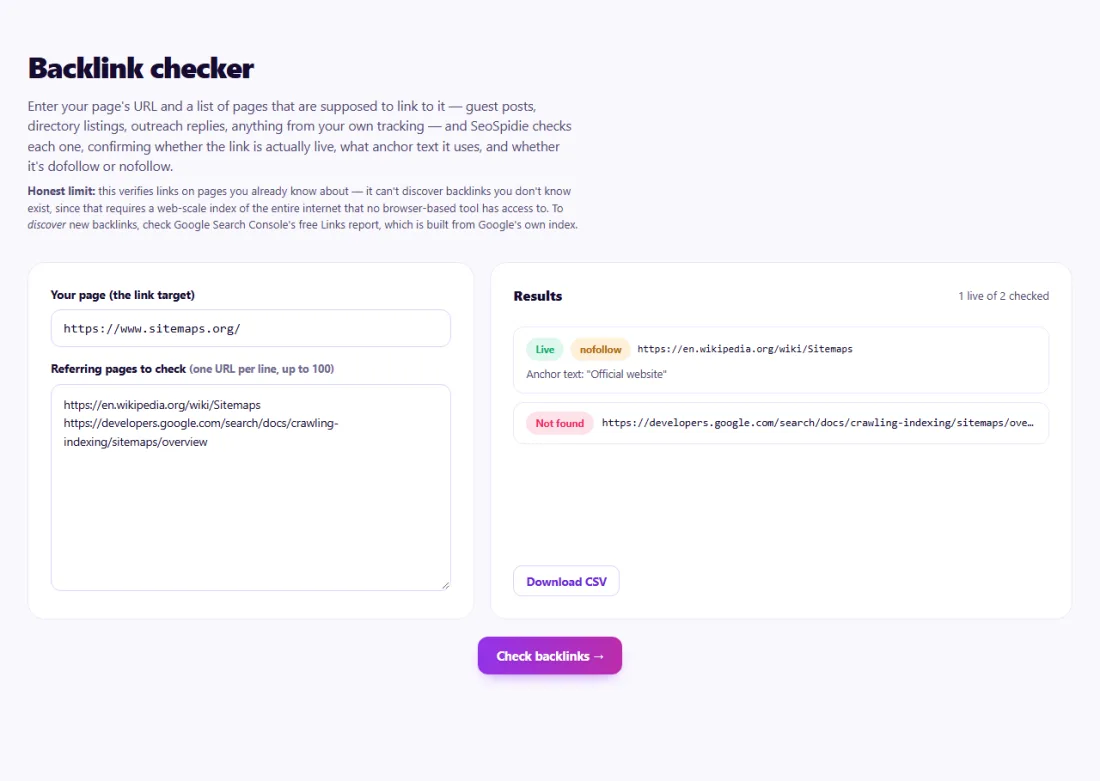
A live, dofollow link with descriptive anchor text is the best result. A nofollow link still brings visitors and can be perfectly natural, but if the agreement was for a followed link, ask the site owner about it.
A missing link means the page loads but no longer links to you — contact the owner with the exact page and your URL. An unreachable page may be temporarily down, blocked to automated tools, or removed; check it again later before following up.
A software company in Austin had published twelve guest articles over six months, each supposed to include a link to its free pricing calculator.
The marketing team pasted the twelve article URLs into the Backlink Checker with the calculator page as the target. Nine links were live and dofollow with natural anchor text, two had been changed to nofollow during editing, and one article no longer linked at all after the publisher updated it. The team kept the nofollow links — they still sent visitors — and politely asked the editor of the third site to restore the missing link, which they did.
No. It verifies the specific pages you list. Discovering unknown backlinks requires a web-scale index such as Google Search Console's Links report.
A nofollow (or sponsored/ugc) link asks search engines not to pass ranking credit. Dofollow is simply a normal link without those attributes.
The site may be down, blocking automated requests, or the URL may be wrong. Open it in your browser to confirm.
The visible, clickable words of a link. Descriptive anchor text helps readers and search engines understand what the linked page is about.
No. They still send visitors, and Google may treat them as hints. A natural link profile includes both followed and nofollow links.
Search Console's Links report lists sites linking to you. Add your outreach, guest post and directory pages too, then verify them here.
To read other websites, SeoSpidie's server fetches the public URLs you enter and sends the result back to your browser. We don't keep your reports or require an account. Text you paste stays in your browser. Fair-use limits apply to protect the service.
Yes. The Backlink Checker is free to use with no sign-up. SeoSpidie is supported by advertising.
 Internal Link SuggestionsFind contextual internal linking opportunities.
 Keyword Cannibalization CheckerIdentify pages competing for the same search terms.
 Keyword Density CheckerAnalyze keyword usage and content frequency on a page.
 Search Intent ClusterGroup keywords by search intent and build smarter content strategies.



