
SeoSpidie
See your site the way search engines do

Enter your niche or product category to get a mix of listicle, guide, comparison and question-based topic ideas for your blog.
A good blog topic sits where three things overlap: what your audience wants to know, what you can explain better than others, and what connects to your products or services. Topics that answer real questions bring search traffic for years; topics chosen only because they sound interesting rarely do.
Varying the format helps cover a subject from every angle. How-to guides answer practical questions, listicles collect tips or ideas, comparisons help people choose between options, and question-based posts target the exact phrases people type into search. Together they build topical authority — the sense, for readers and search engines, that your site covers a subject thoroughly.
A topic generator speeds up the first step, brainstorming. The ideas still need a quick check: does anyone search for this, what already ranks, and can you add something new?
Consistent publishing is one of the most reliable ways to grow organic traffic, and the hardest part is often deciding what to write next. Turning one niche keyword into many angles — guides, comparisons, lists, mistakes, checklists — gives you a backlog that covers a topic from every side.
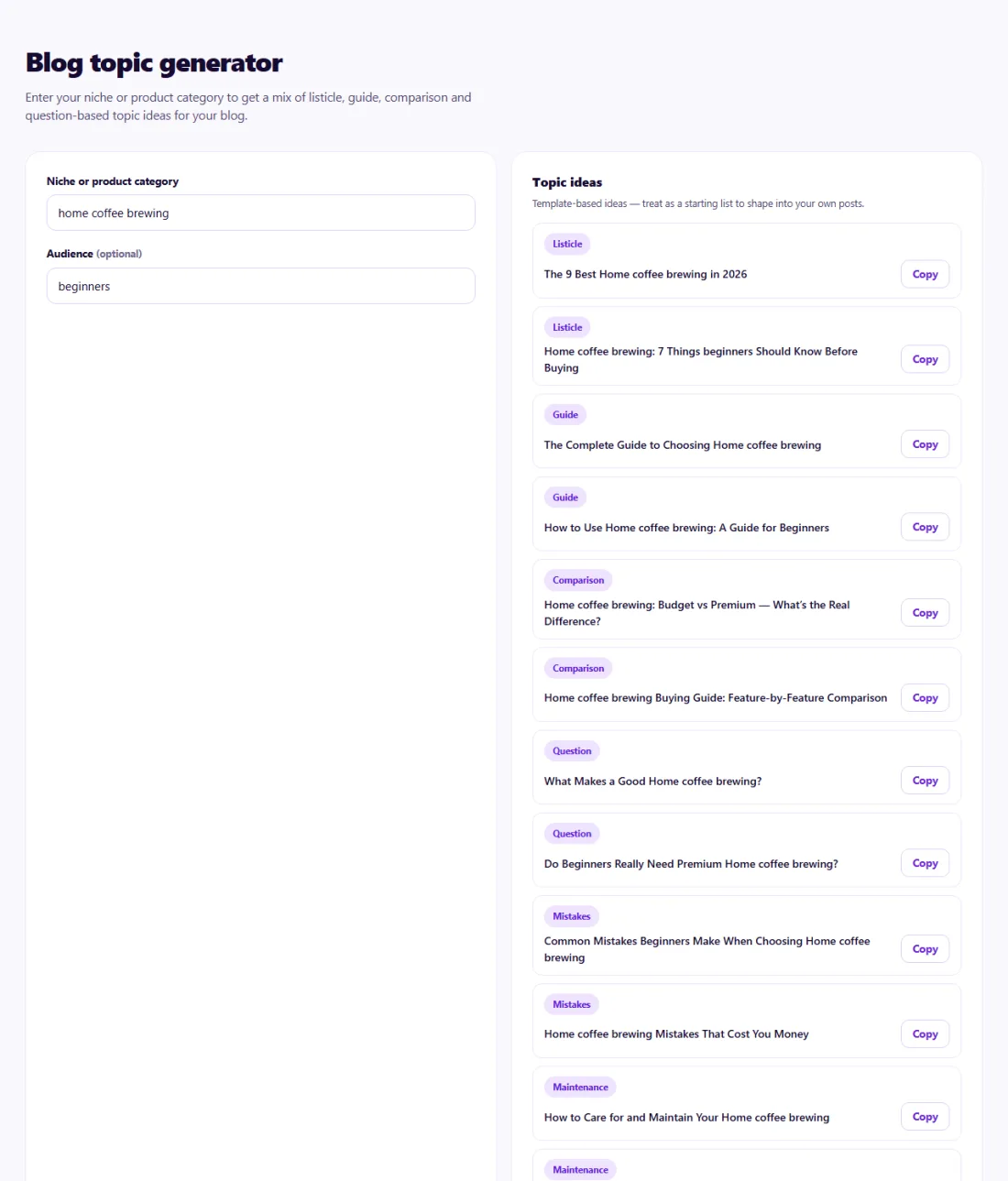
Treat each idea as a starting point. Search the topic, look at what ranks and the People also ask questions, and decide what your post will add — your own examples, data, photos or experience.
Group related ideas into clusters, write the broad guide first, then link the narrower posts to it.
A pet supply store in Lisbon wanted to start a blog but had no idea what to write beyond product announcements.
Entering "dog grooming" into the Blog Topic Generator produced how-to guides, listicles, comparisons and questions such as "how often should you bathe a dog". The owner checked which ideas appeared in Google's search suggestions, grouped them into three themes — grooming, nutrition and training — and planned twelve posts, each linking to the relevant product category. Within four months the grooming guides were the store's top organic landing pages.
No. Ideas are produced from proven headline patterns combined with your keyword, entirely in your browser. You decide which are worth writing.
A month or two ahead is a practical backlog: enough to stay consistent, recent enough to stay relevant.
Treat them as starting points. Refine each title to match the specific promise of your finished article.
Start with topics closest to your products or services and those your customers ask about most.
A broad guide linked to several narrower posts on related questions. It helps readers and shows search engines you cover a subject well.
Yes. Blog Topic Generator runs entirely in your browser — nothing you type or paste is sent to or stored by SeoSpidie.
Yes. The Blog Topic Generator is free to use with no sign-up. SeoSpidie is supported by advertising.
 Discover Headline GeneratorCreate compelling headlines designed for discovery traffic.
 Topical Coverage CalculatorMeasure how completely your content covers a topic.
 AI Crawler CheckerCheck whether AI crawlers can access and understand your website.
 AI Overview OptimizerOptimize content for visibility in AI-powered search results.

