
SeoSpidie
See your site the way search engines do
Paste up to 3 competitor product page URLs (or their HTML source if a live fetch is blocked) to pull title, price, brand, image and rating side by side.
Reads whatever the page's own meta tags and structured data expose — it can't see live "best seller" rankings or private sales data, only what's published on the page itself.
| Field | A | B | C |
|---|
Competitor product research means looking closely at how other stores present products like yours: their titles, prices, images, brands and ratings. It shows what shoppers see when they compare options and where your listings stand out or fall short.
Small differences matter. A competitor with a clearer title, a lower price, better photos or visible ratings will win the click in Shopping results even when the products are similar. Seeing listings side by side makes these differences obvious.
The data comes from each product page's own structured data, the same information search engines read.
Shoppers compare titles, prices, images and ratings across stores in seconds. Seeing competitor product pages side by side shows how your listing stacks up — and which details you are missing.
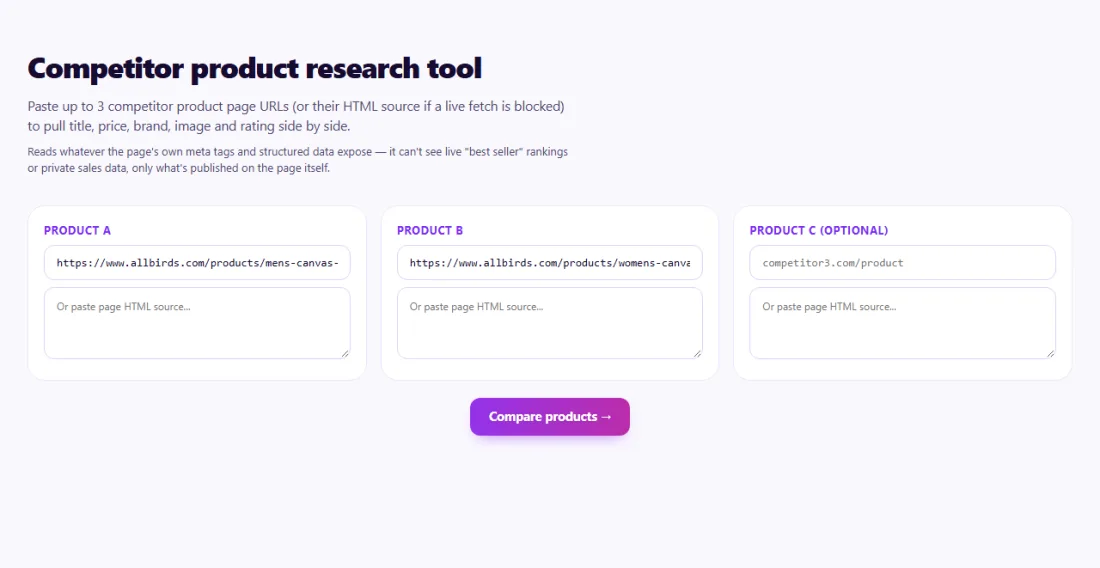
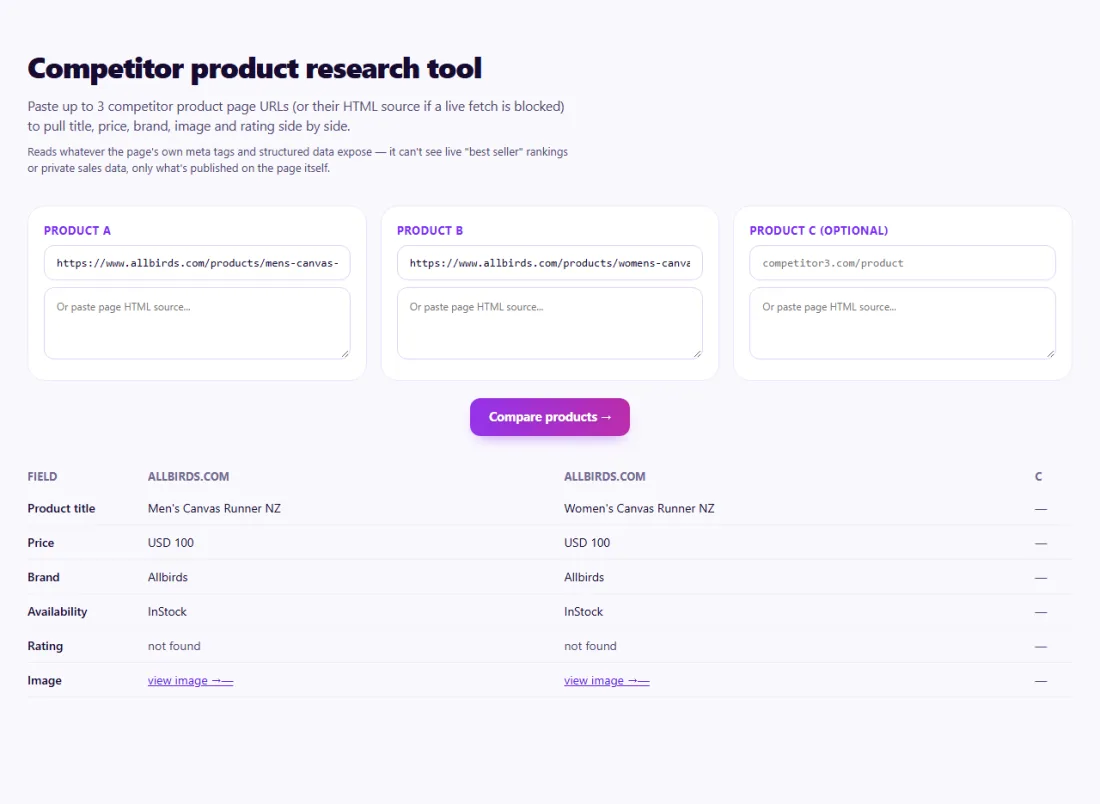
Compare titles for missing attributes, prices for positioning, and images for quality. Empty fields mean the page does not publish that data in a readable form.
Use the findings to improve your own listings — never copy competitors' text or images.
A kitchenware seller in Australia compared its cast-iron pan with two competitors' listings.
The side-by-side comparison showed both competitors included size and weight in their titles, used clear images on white backgrounds and displayed ratings, while the seller's title was just the model name. The seller added size and weight to the title, replaced the main image and started collecting reviews.
The tool reads what the page publishes, mainly its schema.org Product data and meta tags. If a store does not publish a field, it cannot be extracted.
Sometimes. Large marketplaces often block automated requests; when they do, the tool says so rather than showing incomplete data.
Yes — the tool only reads publicly visible product information, the same details any shopper sees.
Some sites block automated tools. Paste the page's HTML source instead.
Monthly for key products, and before price changes or major promotions.
To read other websites, SeoSpidie's server fetches the public URLs you enter and sends the result back to your browser. We don't keep your reports or require an account. Text you paste stays in your browser. Fair-use limits apply to protect the service.
Yes. The Competitor Product Research is free to use with no sign-up. SeoSpidie is supported by advertising.
 Product Title OptimizerImprove product titles for search visibility and clarity.
 Product Description GeneratorCreate SEO-friendly product descriptions that convert.
 Keyword Research ToolDiscover keyword ideas and build a stronger SEO strategy.
 Google Merchant Center Feed GeneratorGenerate product feeds for Google Merchant Center.



