
SeoSpidie
See your site the way search engines do

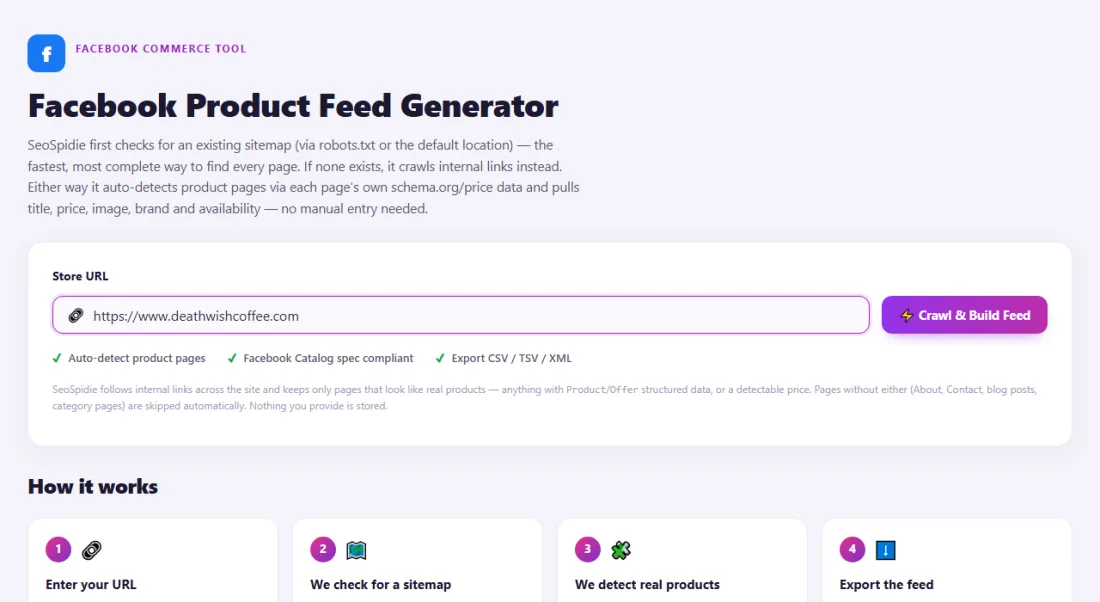
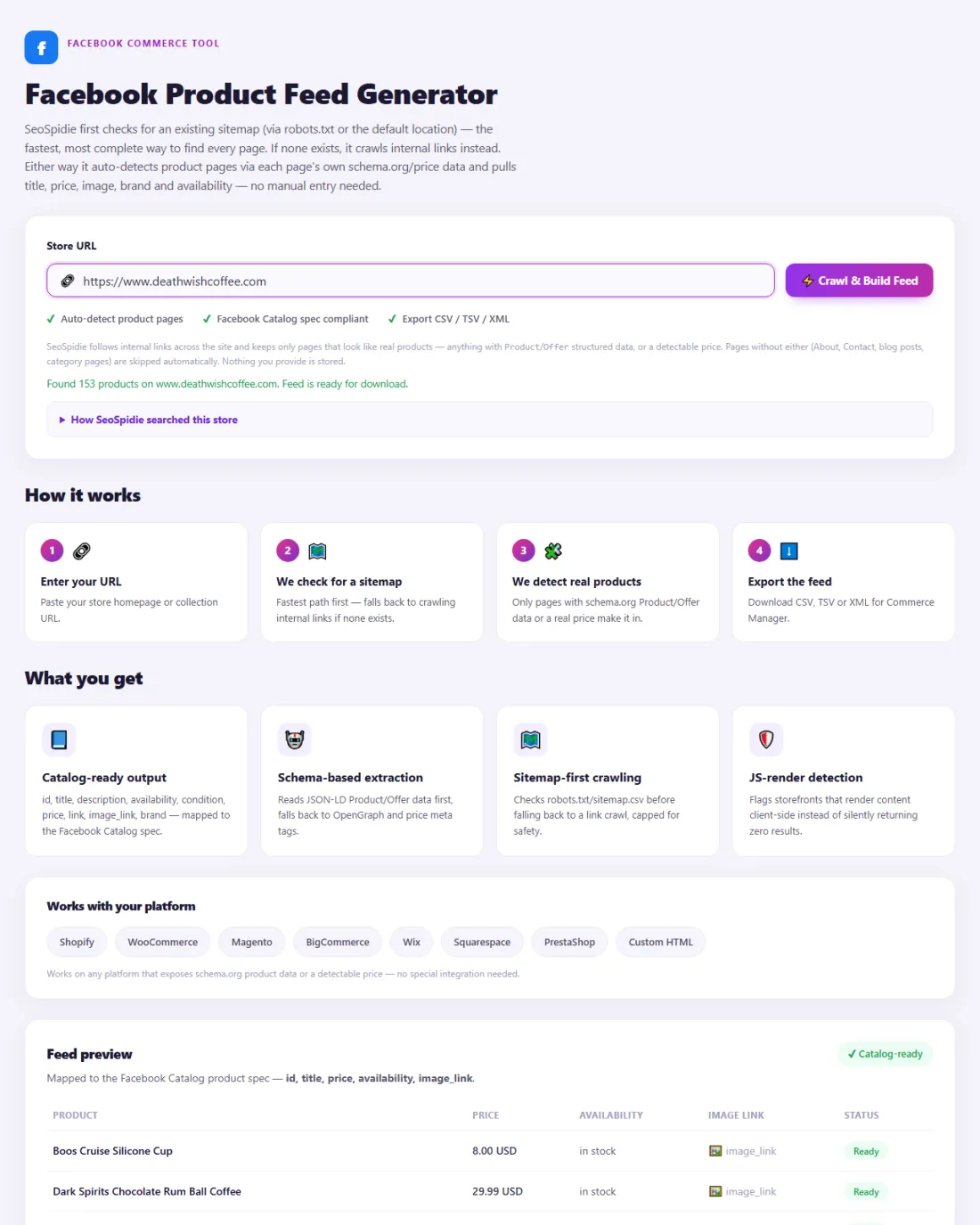
SeoSpidie first checks for an existing sitemap (via robots.txt or the default location) — the fastest, most complete way to find every page. If none exists, it crawls internal links instead. Either way it auto-detects product pages via each page's own schema.org/price data and pulls title, price, image, brand and availability — no manual entry needed.
SeoSpidie follows internal links across the site and keeps only pages that look like real products — anything with Product/Offer structured data, or a detectable price. Pages without either (About, Contact, blog posts, category pages) are skipped automatically. Nothing you provide is stored.
Couldn't fetch that page automatically.
Paste its HTML source instead — right-click the page → View Page Source → copy all. If it's a single product page, that one product will be extracted.
Works on any platform that exposes schema.org product data or a detectable price — no special integration needed.
Mapped to the Facebook Catalog product spec — id, title, price, availability, image_link.
| Product | Price | Availability | Image link | Status |
|---|---|---|---|---|
| Run a crawl above to see your products here. | ||||
It checks your store for an existing sitemap first, or crawls internal links otherwise, then reads each page's schema.org/Offer data (or price meta tags) to extract title, price, availability and images — formatted into a feed that matches the Facebook Catalog product spec.
Paste your store URL and click Crawl & Build Feed. Watch the live progress, review the products in the preview table, then download the CSV, TSV or XML feed.
Yes — 100% free, no login, no paywall. Crawls are capped at 300 pages per run to keep things fast and reliable.
We only read publicly accessible product data to build your feed. We don't store your catalog or share it with third parties.
Meta's Commerce Manager uses product catalogs to power shops, product tags and dynamic ads on Facebook and Instagram. A catalog can be filled by hand, by platform integrations, or by a data feed — a file listing each product's ID, title, description, availability, condition, price, link, image and brand.
A feed is the easiest way to keep many products up to date. Commerce Manager can fetch a feed URL on a schedule, so price and stock changes flow through automatically.
Stores without a built-in integration often struggle to produce a correctly formatted feed. Building it from the product data already on your pages saves hours of spreadsheet work.
Facebook and Instagram Shops, plus dynamic product ads, run on a catalog feed. Building that feed by hand is slow and error-prone; generating it from your live product pages keeps prices, titles and images consistent with your store.
Upload the CSV in Commerce Manager as a data feed. Products with missing fields usually lack structured data on their pages — fix the template to fix them all.
Check Commerce Manager for item issues after upload, and refresh the feed whenever prices or stock change.
A jewellery maker in Bangkok wanted to tag products in Instagram posts but had no catalogue in Commerce Manager.
The feed generator crawled the store, detected 140 product pages and built a CSV with titles, prices, images and availability. After uploading it as a data feed in Commerce Manager and setting a daily refresh, the maker could tag products in posts, and questions about prices in comments dropped.
ID, title, description, availability, condition, price, link, image link and brand.
Yes. Instagram shopping and ads use the catalogue in Meta Commerce Manager.
Upload the feed as a scheduled data feed so Commerce Manager fetches it regularly.
 Pinterest Product Feed GeneratorPrepare product catalogs for Pinterest shopping.
 Google Merchant Center Feed ValidatorValidate product feed structure and identify common issues.
 Category Taxonomy FinderBuild better categories and content structures.
 GTIN ValidatorValidate GTIN product identifiers quickly.


