
SeoSpidie
See your site the way search engines do

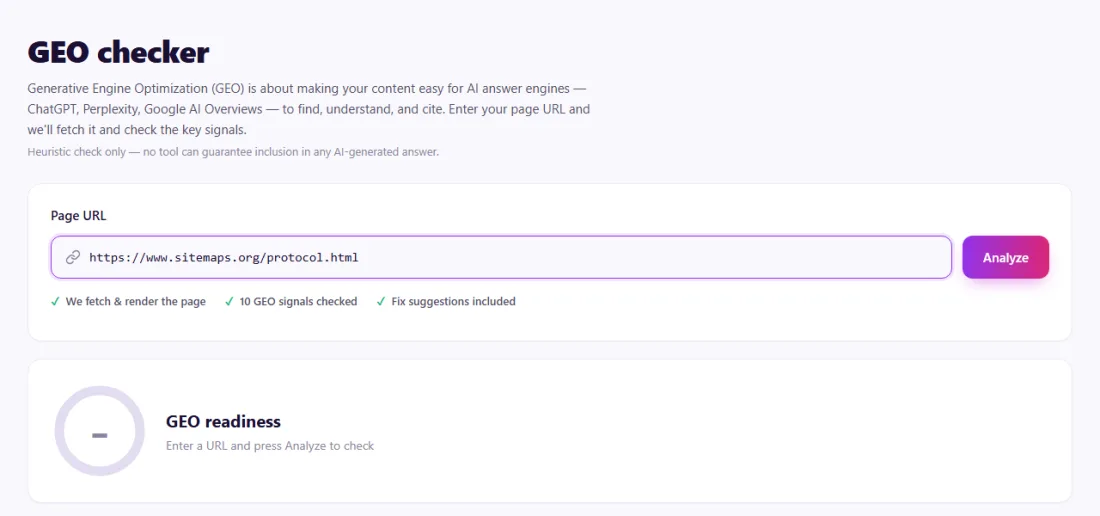
Generative Engine Optimization (GEO) is about making your content easy for AI answer engines — ChatGPT, Perplexity, Google AI Overviews — to find, understand, and cite. Enter your page URL and we'll fetch it and check the key signals.
Heuristic check only — no tool can guarantee inclusion in any AI-generated answer.
Couldn't fetch that page automatically.
Paste its HTML source instead — right-click the page → View Page Source → copy all.
It fetches your page (or reads pasted HTML if fetching is blocked) and scores 10 heuristic signals that AI answer engines use to find, understand and cite content — structured data, heading clarity, an intro-paragraph "direct answer", FAQ formatting, factual density, author/date signals, lists & tables, canonical URLs, page length, and whether major AI bots are allowed to crawl the site.
Paste your page URL and press Analyze. If we can't fetch it automatically (some sites block bots), paste its HTML source instead. You'll get a GEO readiness score, a signal-by-signal breakdown, and the highest-impact fixes to make first.
Yes. Like all tools on SeoSpidie, the GEO Checker is 100% free to use — no paywalls, no login requirements; fair-use limits keep the service fast for everyone.
We only fetch the public URL you provide (and, to check AI-bot crawlability, its public robots.txt) to run the checks. We don't store your page content or share it with third parties.
Generative Engine Optimization is the practice of making content easy for AI answer engines — ChatGPT search, Perplexity, Google AI Overviews and others — to find, understand and cite. It builds on SEO, with extra attention to clear answers, verifiable facts and visible expertise.
Several signals matter. AI crawlers must be allowed to fetch your pages. Structured data and clear headings help systems understand what each part of the page covers. Short, self-contained answers are easier to quote, and named authors, sources and dates help systems decide whether a page is trustworthy.
GEO does not replace traditional SEO: AI tools often draw on pages that already rank well and are well linked. Think of it as making good content easier to use.
Generative Engine Optimization (GEO) is about being cited by AI answer engines. These systems favour pages that are easy to parse and trustworthy: clear answers, structured data, named authors, sources, and crawl access for AI bots.
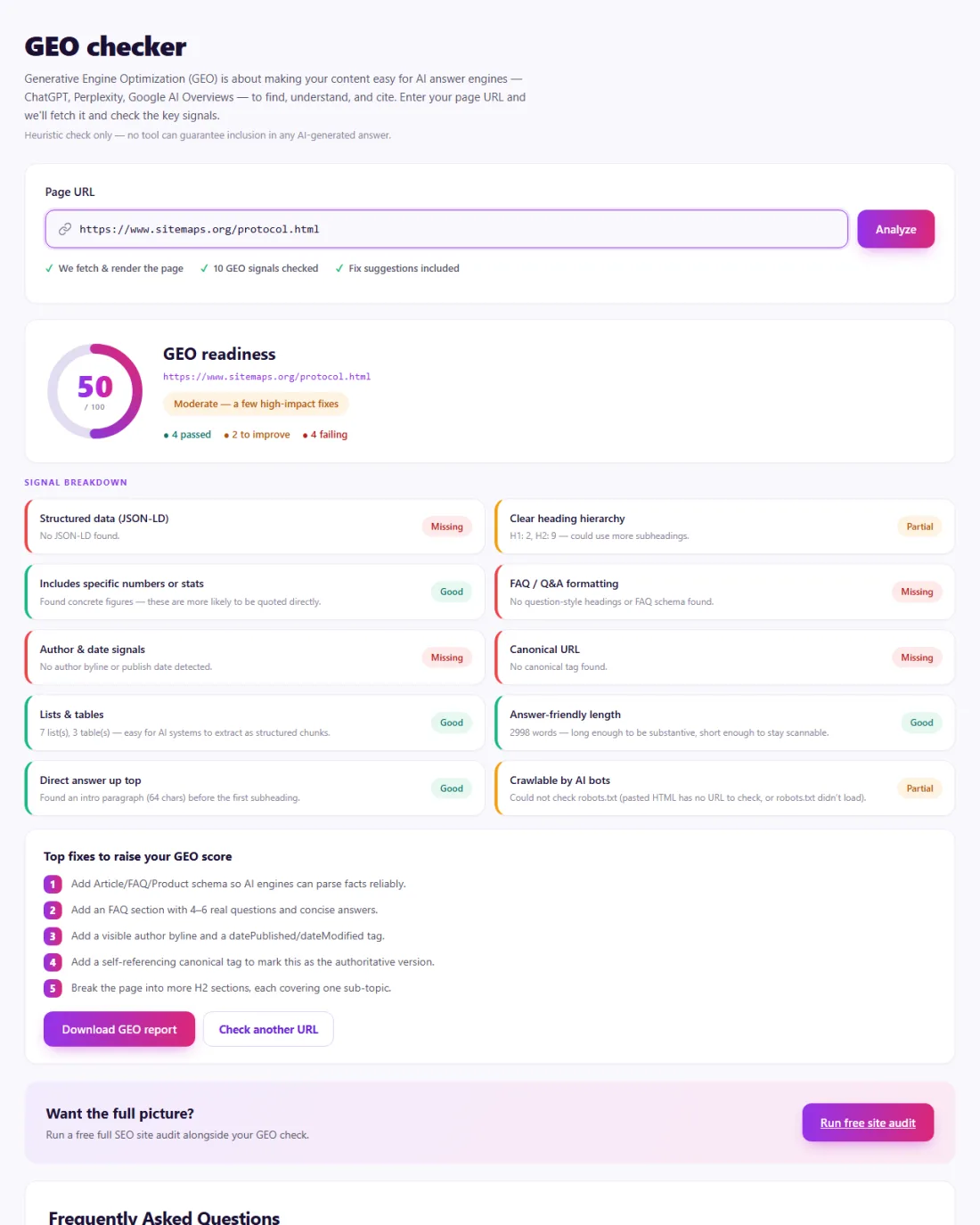
Fix blocking issues first: if AI crawlers cannot fetch the page, nothing else matters. Then add structured data, tighten answers and show who wrote the content and where facts come from.
Track referrals from AI tools in your analytics to see whether changes lead to more visits.
A solar installer in Arizona noticed competitors being cited by AI search tools for questions about panel costs, but never its own detailed guide.
The GEO Checker showed AI crawlers were blocked by a rule a security plugin had added, the page had no structured data and no author information. The installer allowed the search crawlers, added Article markup, a short answer summary at the top and an author box for its certified engineer. AI tools began citing the guide for cost questions within weeks.
It builds on SEO with extra focus on clear answers, verifiable facts and visible expertise, so content is easy for AI tools to cite.
It is optional and not widely supported yet, but easy to add. Crawler access and clear content matter much more.
Look for referrals from AI tools such as chatgpt.com or perplexity.ai in your analytics.
 Featured Snippet OptimizerStructure your content for better featured snippet opportunities.
 Blog Topic GeneratorGenerate useful, search-focused blog topic ideas.
 Discover Headline GeneratorCreate compelling headlines designed for discovery traffic.
 Topical Coverage CalculatorMeasure how completely your content covers a topic.


