
SeoSpidie
See your site the way search engines do

Type one product or niche keyword and get buyer-intent, comparison, and question-based long-tail variations to target in titles, descriptions, and blog content.
Pattern-based, not pulled from live search volume data — use it to widen your list of angles, then verify demand with Google's own tools (Search Console, Keyword Planner) before committing.
Long-tail keywords are longer, more specific search phrases such as "waterproof hiking boots for wide feet" rather than "boots". Each one is searched less often, but together they make up a large share of all searches, and the people using them usually know exactly what they want.
For online stores and smaller websites, long-tail keywords are often the realistic way to win traffic. Competition is lower, the intent is clearer and the visitors are closer to buying. Modifiers reveal that intent: words like "buy", "price" and "best" point to buying, while "how to" and "what is" point to research.
A good keyword list combines buyer-intent, comparison and question phrases, then maps each to the right page: product and category pages for buying phrases, guides and blog posts for questions.
Shoppers close to buying search with specific, long phrases — "waterproof hiking boots for women wide fit" rather than "boots". These long-tail, buyer-intent keywords convert better and are often far less competitive.
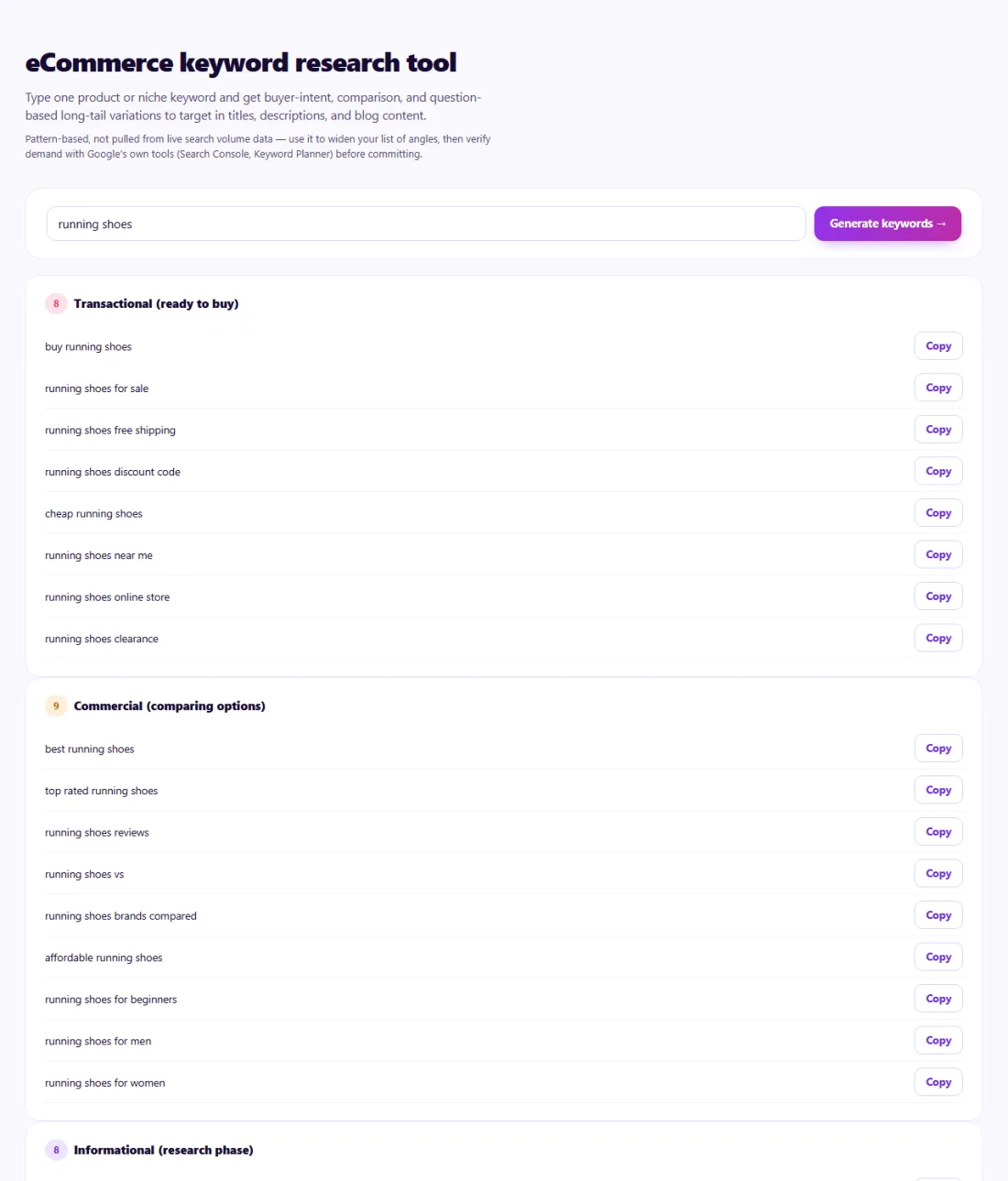
The tool generates variations; it does not show search volumes. Check promising phrases in Google's search suggestions or your Search Console data to confirm people actually search them.
Shortlist phrases that match pages you have or plan to create, and use each one on a single page.
A small skincare brand in Malaysia launched a vitamin C serum and wanted product page wording that matched real searches.
The Keyword Research tool turned the seed "vitamin c serum" into variations such as "vitamin c serum for sensitive skin", "best vitamin c serum for dark spots" and "how to use vitamin c serum". The brand checked them in Google's suggestions, used the buyer-intent phrases in the product title and description, and turned the question phrases into an FAQ section and two blog posts.
No. It generates ideas from proven patterns; use a volume source or Search Console to prioritise them.
Words like "buy", "best", "price", "for women" or "near me" that signal someone is ready to purchase.
Yes, with no sign-up. It runs entirely in your browser.
A longer, more specific search phrase. Each is searched less often, but together they make up much of all searches and usually convert better.
Use Google's search suggestions, People also ask, Google Trends and your Search Console queries.
No. Keywords with the same intent belong on the same page.
Yes. eCommerce Keyword Research Tool runs entirely in your browser — nothing you type or paste is sent to or stored by SeoSpidie.
Yes. The eCommerce Keyword Research Tool is free to use with no sign-up. SeoSpidie is supported by advertising.
 Google Merchant Center Feed GeneratorGenerate product feeds for Google Merchant Center.
 Multi-Channel Feed GeneratorCreate product feeds for multiple sales and discovery channels.
 Facebook Product Feed GeneratorCreate product feeds for Meta and Facebook commerce.
 Pinterest Product Feed GeneratorPrepare product catalogs for Pinterest shopping.


