SeoSpidie
See your site the way search engines do
Create a valid RSS 2.0 feed for your blog or news site. Crawl your website to fill it in automatically, or add your channel details and items by hand — the feed builds live. Copy or download feed.xml and link it from your site.
We check for an existing sitemap first (via robots.txt or the default location), then fall back to following internal links. Each page's real title, description and publish date become a feed item.
Couldn't fetch that page automatically.
Paste its HTML source instead — right-click the page → View Page Source → copy all. The page's own title/description are used for one feed item.
RSS is a standardized XML format that lists your latest content — title, link, description and date — so readers, aggregators and services can subscribe and get updates automatically without visiting your site.
Download feed.xml, upload it to your site (for example https://yoursite.com/feed.xml), then add a discovery link in your HTML head: <link rel="alternate" type="application/rss+xml" href="/feed.xml">. Share the URL so people can subscribe.
Indirectly. It speeds content discovery, supports syndication and can help search engines find new posts faster. It also powers newsletters and aggregators, extending your reach.
An RSS feed advertises your newest items for subscribers and aggregators, while an XML sitemap lists all important pages for search-engine crawling. Many sites publish both.
Yes! Like all tools on SeoSpidie, it's 100% free to use. There are no paywalls, no login requirements; fair-use limits keep the service fast for everyone.
Yes. When you crawl a site, SeoSpidie's server reads only its public pages to build the feed and sends the result to your browser. We don't keep your feeds or require an account. Items you add by hand stay in your browser.
An RSS feed is an XML file that lists a site's latest content — usually blog posts or news — with a title, link, date and short description for each item. Feed readers, email newsletter tools, news aggregators and automation services read the feed to notice new posts automatically.
Most blogging platforms create a feed by default, but many custom-built websites and static sites do not have one. Without a feed, readers cannot subscribe in their feed reader and tools that could share your posts automatically have nothing to watch.
An RSS feed is different from an XML sitemap. A sitemap lists all the pages you want search engines to find; a feed lists your newest content for people and tools that want updates.
An RSS feed lets readers follow your site in feed readers, powers email newsletters and integrations, and helps aggregators find new content quickly. Many sites — especially custom-built ones — never had one.
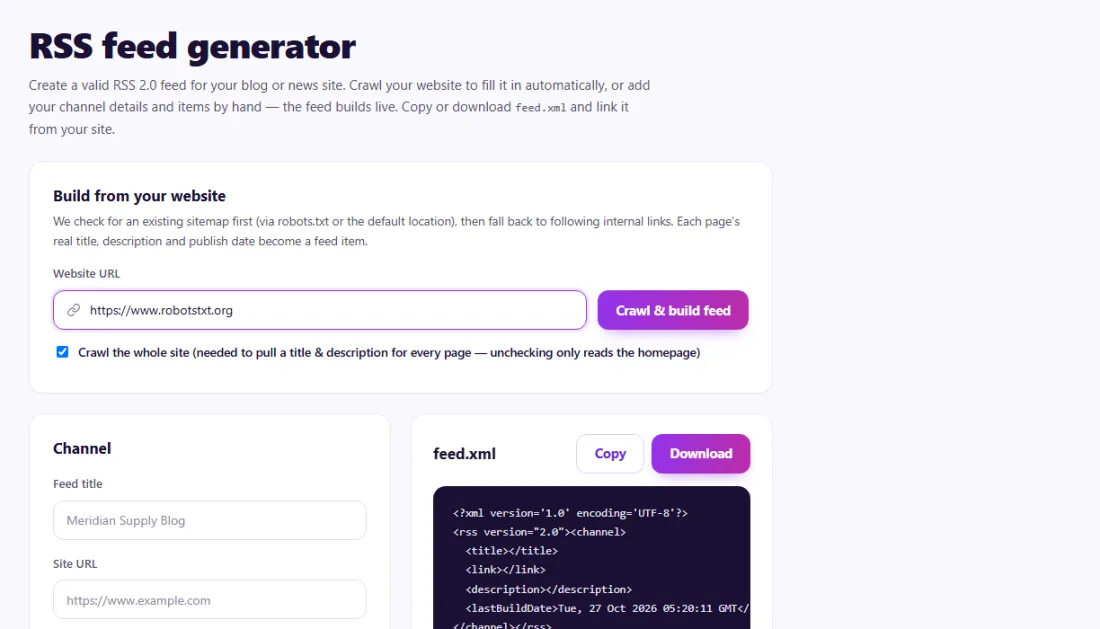
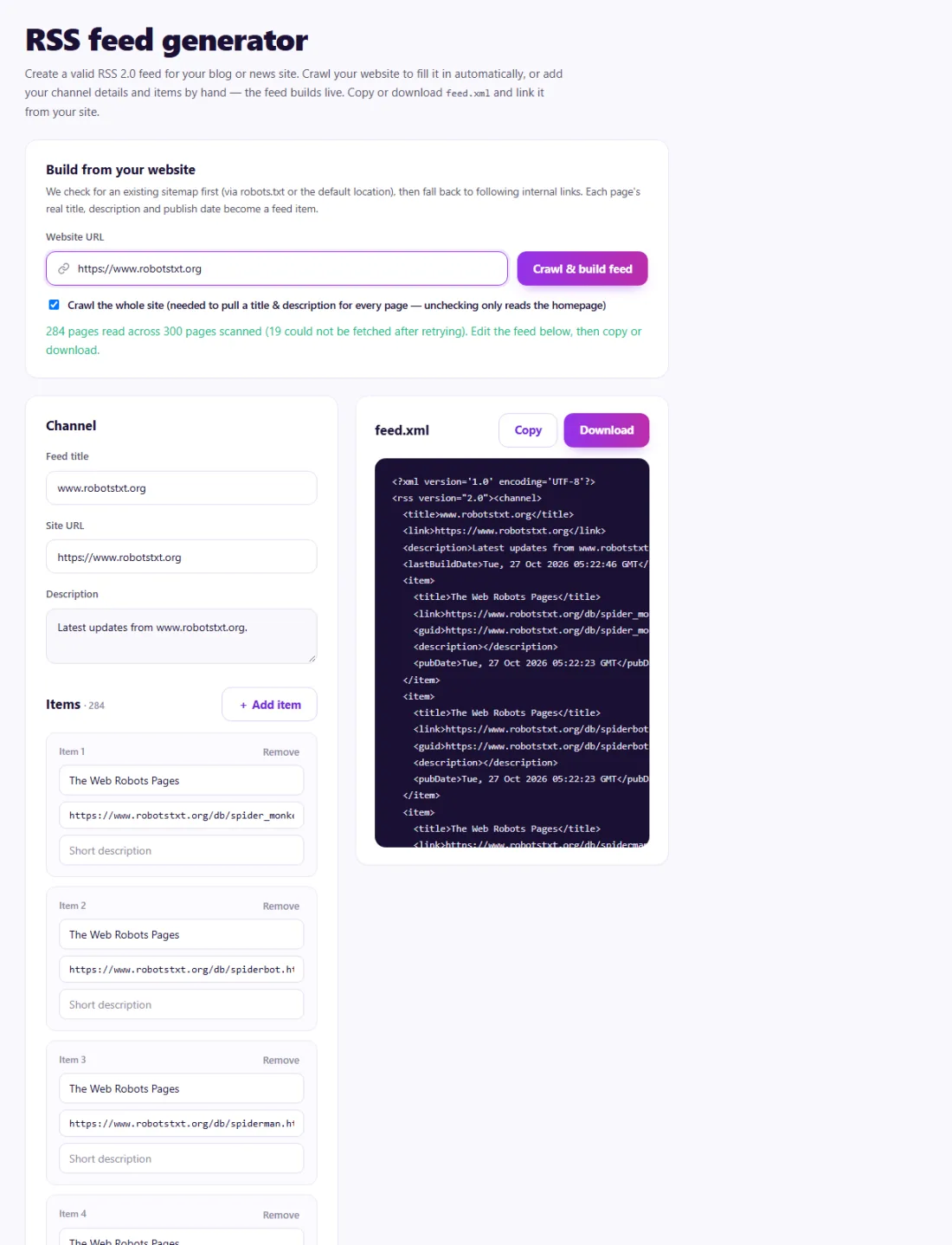
Upload feed.xml to your site and add a link rel="alternate" tag of type application/rss+xml to your page head so browsers and readers can find it. Check that the feed opens and lists your latest items.
Keep the newest 20–50 items in the feed and regenerate it whenever you publish.
A nonprofit in Kenya published monthly updates on a static website with no RSS feed, so supporters could not subscribe.
The RSS Feed Generator crawled the site, collected the recent update pages with titles and dates, and produced a valid feed.xml. The team uploaded it, linked it from every page's head and connected it to their email tool, which now sends supporters each new update automatically.
Usually the newest 20–50 items is enough for readers and tools.
A static feed.xml needs regenerating after you publish; dynamic platforms update theirs automatically.