SeoSpidie
See your site the way search engines do

Build a campaign link with UTM parameters so you can track exactly where your traffic comes from in analytics.
UTM parameters are short tags added to the end of a link that tell analytics tools where a visit came from. The three essential ones are utm_source (where the link was placed, such as newsletter or facebook), utm_medium (the type of channel, such as email or social) and utm_campaign (the specific promotion). utm_term and utm_content are optional extras for keywords and variations.
Without UTM tags, many visits arrive unlabelled. Links in email apps, messaging apps and documents often pass no referrer, so analytics records them as direct traffic, and you cannot tell which newsletter, post or ad worked.
Tagging links consistently turns analytics reports into clear answers: which campaign brought sales, which social platform sends engaged visitors, and which email link gets clicked.
UTM parameters tell your analytics exactly which campaign, source and medium sent each visitor. Without them, social posts, emails and partner links blur together as "direct" or "referral" traffic.
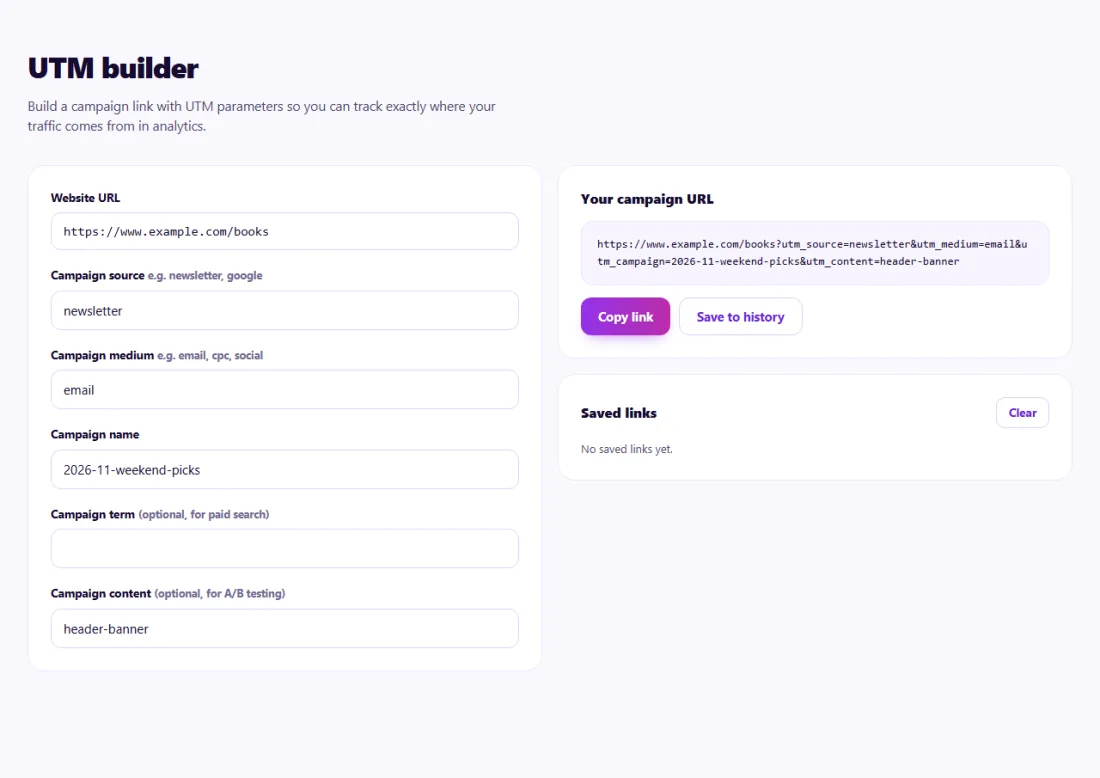
The finished link opens your page normally; the tags only add tracking information. In Google Analytics 4, find the visits under Acquisition reports using session source, medium and campaign.
Agree on a naming convention — lowercase, hyphens, fixed source names — so reports do not split the same channel into several rows.
A bookshop in Edinburgh sent two newsletters a week but analytics showed only a spike of "direct" visits on send days.
Using the UTM Builder, the shop tagged every newsletter link with source "newsletter", medium "email" and a campaign name for each send, plus content values for each featured book. GA4 soon showed that the weekend recommendations email produced most orders, while the midweek offers email brought visits but few purchases.
Source, medium and campaign are the standard minimum; term and content are optional.
Only in your own browser (local storage). Clearing site data removes it.
No, as long as they are only used on external campaign links.
Source is where the link was placed, such as newsletter or facebook; medium is the type of channel, such as email or social.
Yes. Tag the link before creating the QR code to track scans from print materials.
Yes. UTM Builder runs entirely in your browser — nothing you type or paste is sent to or stored by SeoSpidie.
Yes. The UTM Builder is free to use with no sign-up. SeoSpidie is supported by advertising.